Blended Learning: Microsoft Office (Word, PowerPoint, Excel & Access) & Software Installation — Online + On-Campus
-
 Instructor
Hisaalu Nelson
-
Format
Blended (Online + On-Campus)
Program Summary
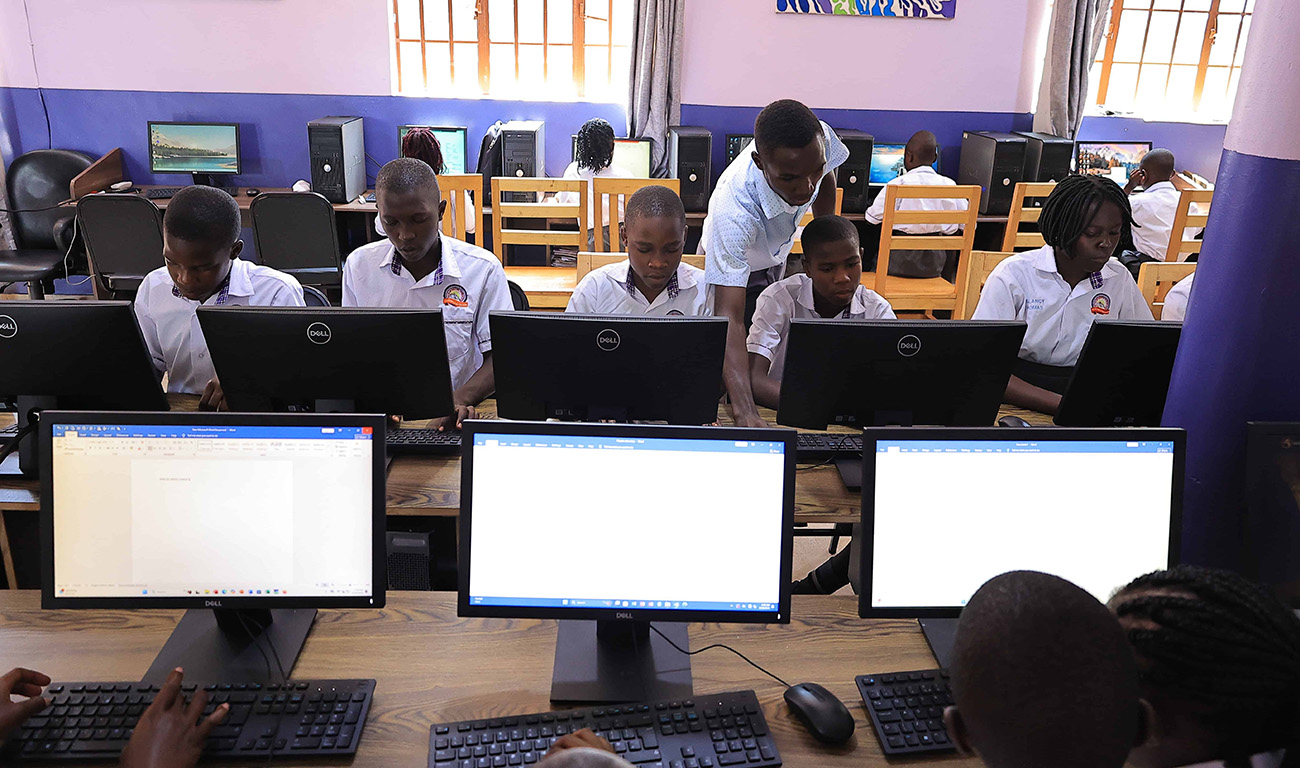
This is a blended learning program, combining live online classes with optional on-campus practical sessions at Rays of Grace Junior School. Learners study Microsoft Word (typing and formatting), Excel (data, formulas and charts), PowerPoint (presentations), and Access (database basics), alongside essential software installation skills.
All live sessions are hosted on our e-learning platform (ROGELE), with recordings available for revision. On-campus labs are scheduled on selected Saturdays for hands-on practice, troubleshooting, and final assessment. Learners need their own laptop and a stable internet connection to fully participate.
Requirements
1. A personal laptop (Windows 10 or later recommended)
2. Stable internet connection (minimum 5 Mbps recommended)
3. Microsoft Office installed (2016 or later) — installation support provided
4. Working webcam and microphone for live online sessions
5. Zoom / Google Meet capable device (or access to ROGELE live classroom)
6. An active email address for ROGELE account registration
7. Basic English reading ability
8. Commitment to attend online sessions and complete practice tasks
How Blended Learning Works
Online: Live lessons, recorded tutorials, assignments and quizzes delivered through ROGELE. Learners can learn from anywhere.
On-Campus: Selected lab sessions at Rays of Grace Junior School for practical work, installation practice, and the final examination.
Learn Microsoft Office alongside Software Installation — delivered in a blended format
In this lesson, one will be introduced to different computer parts, shortcuts, Microsoft Office programs, opening and closing office applications, saving, managing and opening files and folders. Delivered online via ROGELE.
Here one will work with text editing, images, creating tables, page layout and simple templates. The last bit will be understanding the mail merging process and mail merging. Practical exercises submitted online.
You will understand rows, columns and cells. Enter data in cells, format cells, use simple formulas (SUM, AVERAGE, PRODUCT, DIFFERENCE), V-Lookup and create multiple sheets.
Create charts, sort & filter data and perform data analysis. Learn how data drives decision making. Data projects submitted via ROGELE.
Create a new presentation, add slides, choose layouts, insert texts, images and shapes, apply slide transitions and animations, prepare and present a slideshow — final presentation delivered live online.
Definition of a database, create tables in Access, fields and data types, entering and viewing records, simple queries and forms.
Practical session on installing Microsoft Office, drivers and common software. Delivered on-campus at Rays of Grace Junior School — bring your own laptop.
Test & Final Examination — held on-campus at Rays of Grace Junior School.

I am a Software Engineer passionate about Artificial Intelligence, design, open source and dev communities. Addicted to learning, innovating, exploring, breaking and creating things. I lead the blended Computer Program at Rays of Grace.
Program Features
- Duration : 4 Weeks (1 Month)
- Lessons : 20 (Online + On-Campus)
- Format : Blended Learning
- Delivery : ROGELE Online + Campus Labs
- Award of : Certificate
- Students : 40